Podcast editors
You have a recorded interview with air conditioning, keyboard clicks, or a busy room behind the speaker.
Ask for speech emphasis and background reduction before editing pauses, cuts, and levels.
Clean an interview recordingAI audio separation
A voice isolator AI workflow can pull speech forward from music, ambience, and distracting background sound. Try a focused separation prompt, then hand it off for processing.

Start with a clear goal
Good source material and a specific outcome give an AI voice workflow the best chance of producing a useful result.
You have a recorded interview with air conditioning, keyboard clicks, or a busy room behind the speaker.
Ask for speech emphasis and background reduction before editing pauses, cuts, and levels.
Clean an interview recordingA clip contains dialogue under music, street ambience, or a noisy location track.
Describe the speaker, unwanted sounds, and intended balance so the output fits the edit.
Prepare dialogue for videoYou need to inspect a vocal take or pull spoken direction out of a rehearsal recording.
Use separation as a listening aid while preserving enough detail to judge timing and tone.
Separate a rehearsal vocalA field recording includes a main voice mixed with wind, traffic, or overlapping conversation.
Start with the clearest section and request an intelligible speech-focused version for review.
Improve a field recordingThe working sequence
The process is simple, but each instruction affects what the model treats as the desired voice and what it treats as unwanted sound.
Identify the main speaker or vocal, the language if it matters, and whether you want one voice or every audible speaker preserved.
Mention background music, hum, wind, room tone, or other interference. Say whether natural ambience should remain or be reduced.
Listen for clipped consonants, watery artifacts, missing words, and unnatural pauses. Adjust the request instead of asking for maximum removal every time.
Prompt options
These example prompts show how changing the requested outcome changes the separation target. Copy one, then replace the source-specific details with your own.
 Interview
1
Interview
1
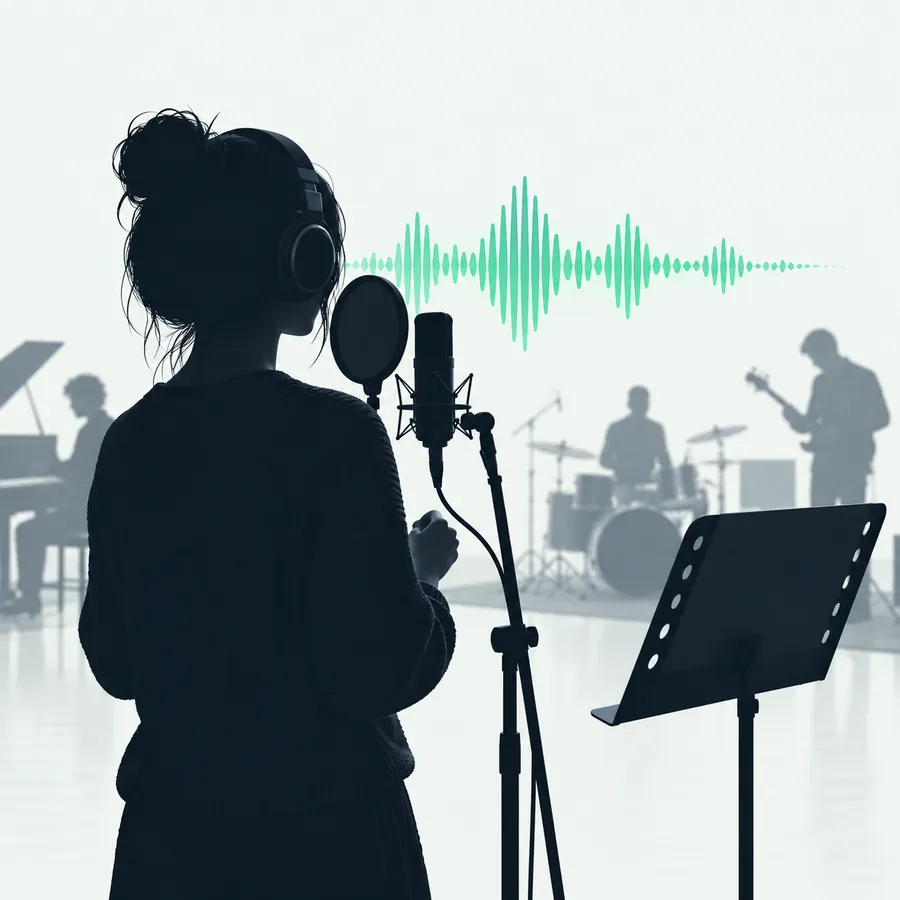
Isolate the main speaker in this interview, reduce room tone and keyboard clicks, and keep the voice natural and intelligible.
 Music
2
Music
2
Bring the lead vocal forward, lower the instrumental backing, and preserve the singer's breath and consonants without harsh processing.
 Outdoor
3
Outdoor
3
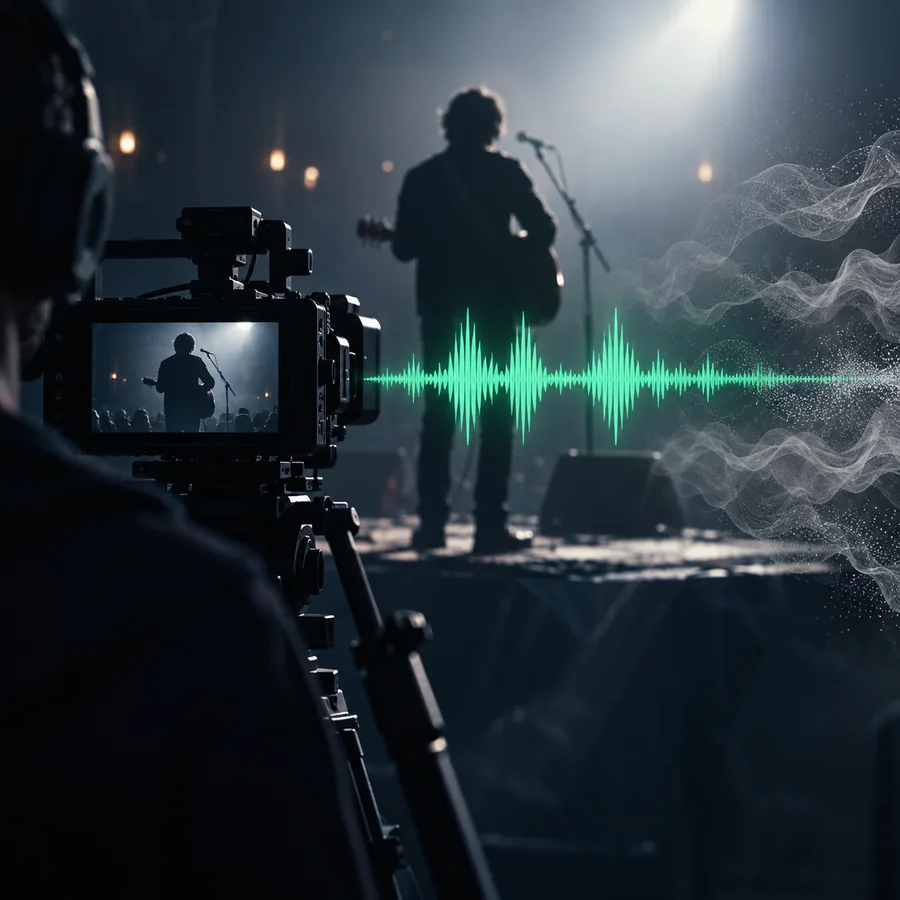
Prioritize the person speaking near the camera, reduce wind and traffic, and retain a small amount of natural outdoor ambience.
 Rehearsal
4
Rehearsal
4
Extract the spoken instructions from this rehearsal, reduce instruments behind them, and keep overlapping words as intelligible as possible.
Be precise about the target voice, unwanted sounds, and how much natural background you want to retain.
Set realistic expectations
AI separation is useful, not magical. These are common failure points and the practical adjustment to try before abandoning the source.
When speakers talk at the same time or share a similar tone, the output may blend syllables or assign words to the wrong person.
WorkaroundProcess the clearest passages separately and use the result as an aid rather than a perfect transcript.
A distant or heavily masked speaker may come back thin, metallic, or incomplete because the model has too little vocal detail to recover.
WorkaroundTrim to the strongest sections, reduce competing sound first, and avoid pushing the final gain too aggressively.
A voice over dense music can lose consonants, reverb, or vocal tone when the requested separation is too aggressive.
WorkaroundAsk for speech emphasis and musical reduction instead of total removal, then blend the result with the original.
If the source is already clipped, overloaded, or badly compressed, an AI model cannot reliably recreate information that was never recorded.
WorkaroundUse the cleanest available source and keep the processed file as a restoration aid, not a replacement for the original.
Choose the workflow
The same AI capability behaves differently depending on whether the input is a conversation, a musical performance, or video dialogue.
Use this route when one or more people are speaking and the goal is comprehension. State which speaker matters most and list the background sounds that should be lowered.
For songs and rehearsals, describe whether you need the lead vocal, backing vocal, or spoken count-in. Keeping some musical context can make timing and phrasing easier to judge.
When the source is a video clip, identify the on-camera speaker and the sounds competing with the dialogue. A moderate result often cuts into an edit more naturally than a completely silent background.
Put it into practice
Give the workflow a real clip and a specific instruction. Start with a short, representative section so you can judge intelligibility, artifacts, and the amount of background that should remain.
Isolate a voiceCommon questions
It analyzes an audio recording and estimates which parts belong to speech or singing, then creates a version where the target voice is more prominent. Results depend on the clarity of the source and how much the voice overlaps with other sounds.
Not reliably. It can reduce many competing sounds, but aggressive removal may create metallic tones, missing consonants, or unnatural gaps. A moderate reduction is often more usable than trying to make the background completely silent.
Yes, especially when the vocal and instrumental parts are reasonably distinct. Dense arrangements, heavy effects, reverb, and overlapping frequencies can make the vocal less complete, so compare the processed result with the original.
It can be used for dialogue recorded inside a video workflow when the audio track is accessible. Identify the on-camera speaker and the competing sounds, then check the isolated result against the picture before replacing or mixing the original audio.
Name the target voice, describe the unwanted sounds, and state how natural you want the result to remain. For example, ask for the main speaker to be prioritized while reducing wind and traffic without removing all outdoor ambience.